Sean McCullough
I am excited to finally share a project I have been working on for the amateur radio community.
Learning Morse code (CW) can be a bit of a grind. There are plenty of apps out there that throw random letters and numbers at you, but very few of them actually simulate what it feels like to be on the air working a pile-up. I wanted a tool that felt practical, realistic, and fun to use.
Since I could not find exactly what I wanted, I decided to build it myself.
You can try it out right here, or visit the full site at cw.mccullough.xyz.
Core Features
The goal of this app is to get you ready for actual radio operation. Here is what I built into it:
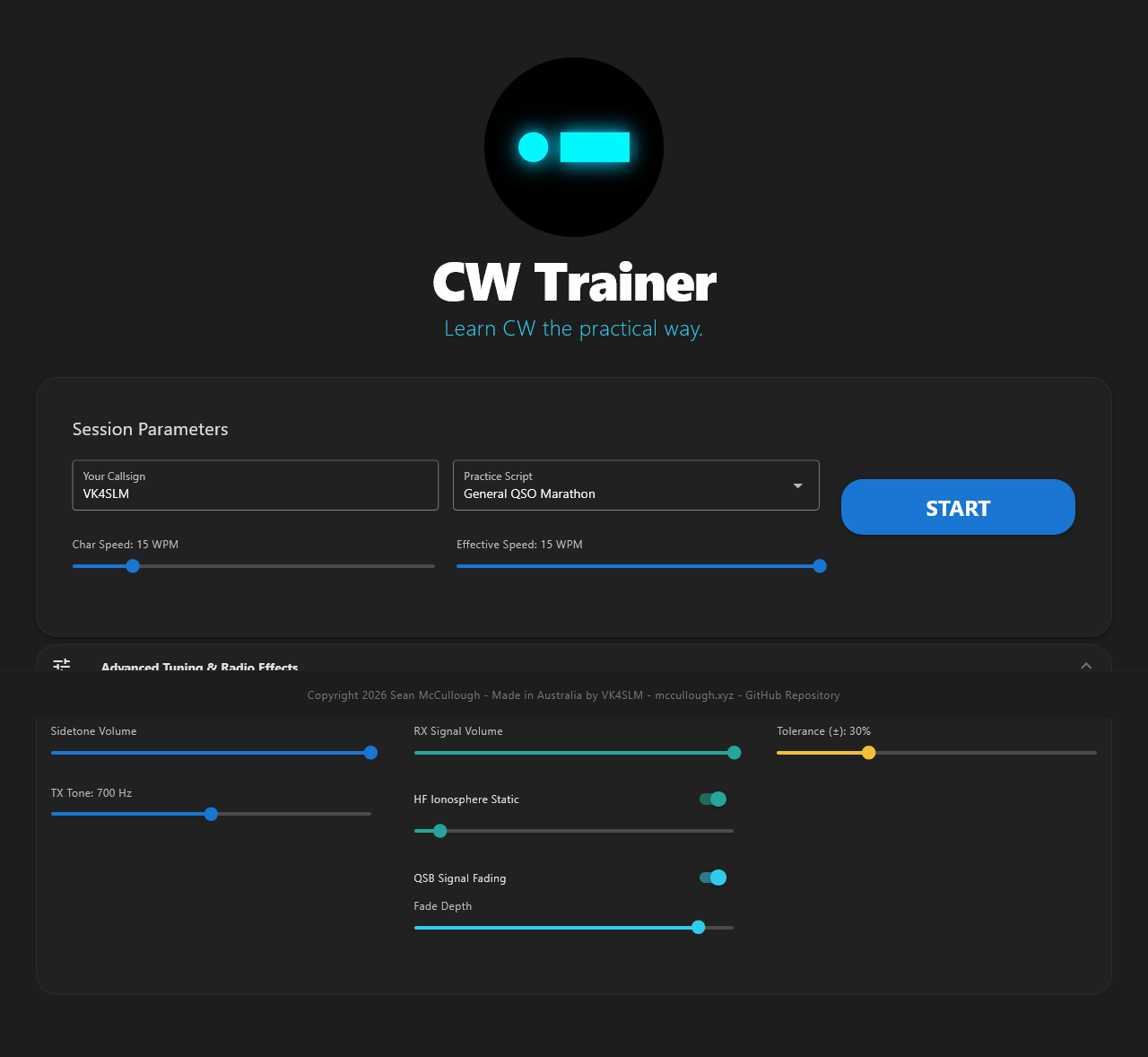
- Realistic Radio Conditions: Real radio is rarely a perfectly clean sine wave. I added adjustable sliders for HF ionosphere static and QSB (signal fading). You can train your ears to pick out signals from the noise floor.
- Real-World Scenarios: The app is loaded with actual conversational scripts. You can practice standard QSOs, POTA (Parks on the Air) activations, DX pile-ups, and rapid-fire CQ WW contest simulations.
- Farnsworth Timing: This is crucial for learning CW properly. You can set your character speed fast (e.g., 20 WPM) but keep your effective spacing slow (e.g., 10 WPM). This stops you from counting dots and dashes and forces you to learn the rhythm of the letters.
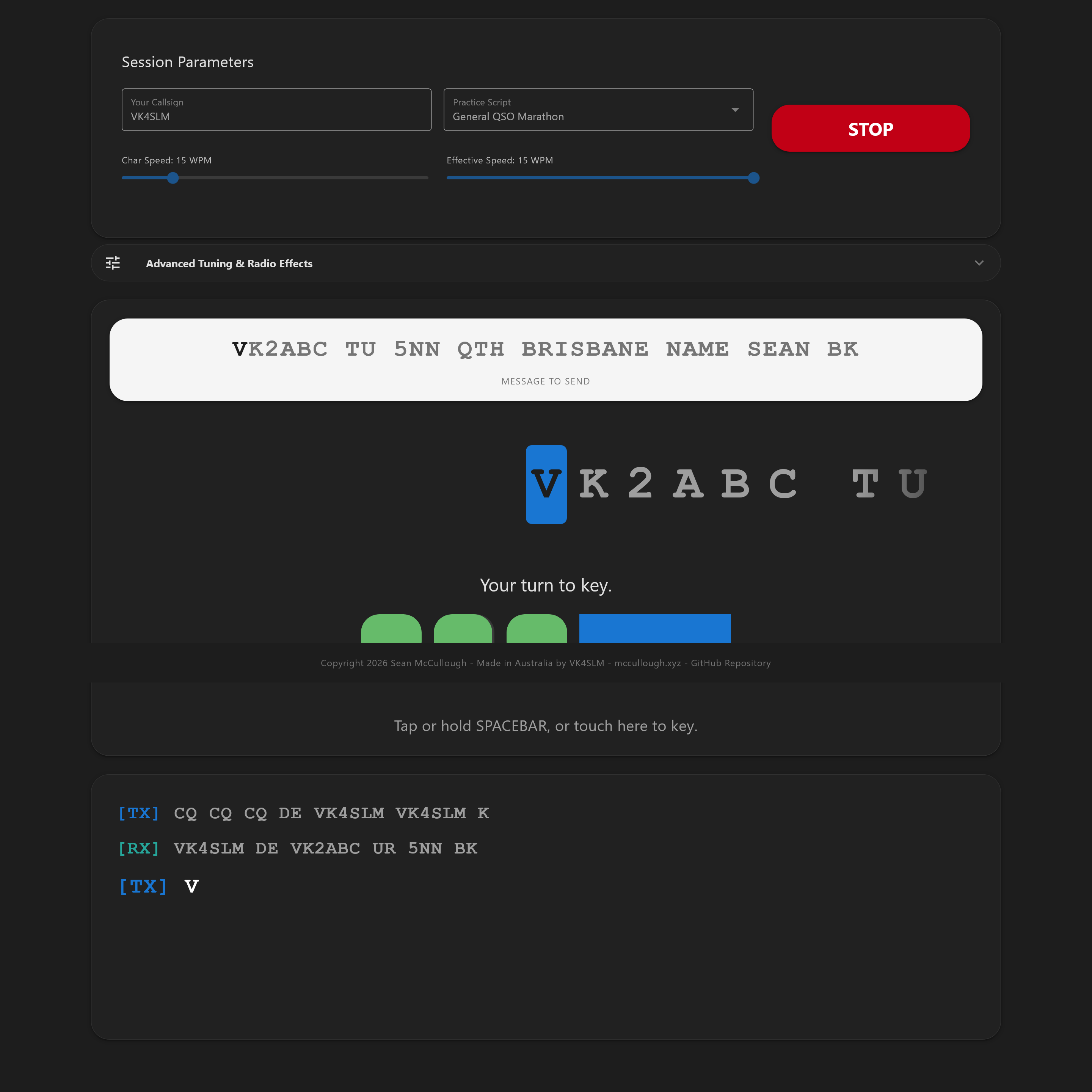
- Visual Feedback & Scoring: When you transmit using the spacebar or touch screen, a visual pacer shows you exactly where your timing is landing. At the end of the session, you get an accuracy score based on your timing tolerance.
Technical Challenges and Solutions
Building a highly interactive, timing-sensitive app in the browser brought up a few interesting technical hurdles.
Precision Audio Timing
Browsers are notoriously bad at keeping strict time using standard Javascript loops like setTimeout. If you rely on them for Morse code, the timing gets sloppy and sounds robotic or staggered. To fix this, I bypassed standard JS timing and went straight to the Web Audio API. By using setTargetAtTime on the gain and oscillator nodes, the browser’s internal audio clock handles the element scheduling. This keeps the CW sounding incredibly crisp and accurate.
Mobile Responsiveness
Creating a UI that works for a 15-contact DX pileup is easy on a 4K monitor. Making it work on a mobile phone is another story. The morse visualizer originally overflowed the screen on smaller devices. I solved this by leveraging CSS Flexbox shrinking and fluid typography with the clamp() function. The interface now dynamically scales its text and visual elements based on your exact screen width.
Decoupling Content from Code
Originally, all the practice scripts were hardcoded into the Javascript. This made the app bloated and hard to update. I rebuilt the architecture to fetch scenarios from an external scripts.json file. Now, adding a massive new training scenario takes two minutes and requires absolutely zero code recompilation.
Free and Open Source
I built this tool to help people learn, so it is completely free and open-source. There are no ads, no paywalls, and no tracking.
You can check out the entire Vue 3 codebase over on my GitHub repository: https://github.com/SeanLMcCullough/cw
If you are a developer or just someone who wants to contribute, pull requests are always welcome. If you want to add your local POTA parks or specific callsigns to the training scenarios, you can easily fork the repo and add them to the JSON file.
Go have a play with it, practice your timing, and let me know what you think.
73, VK4SLM